Information
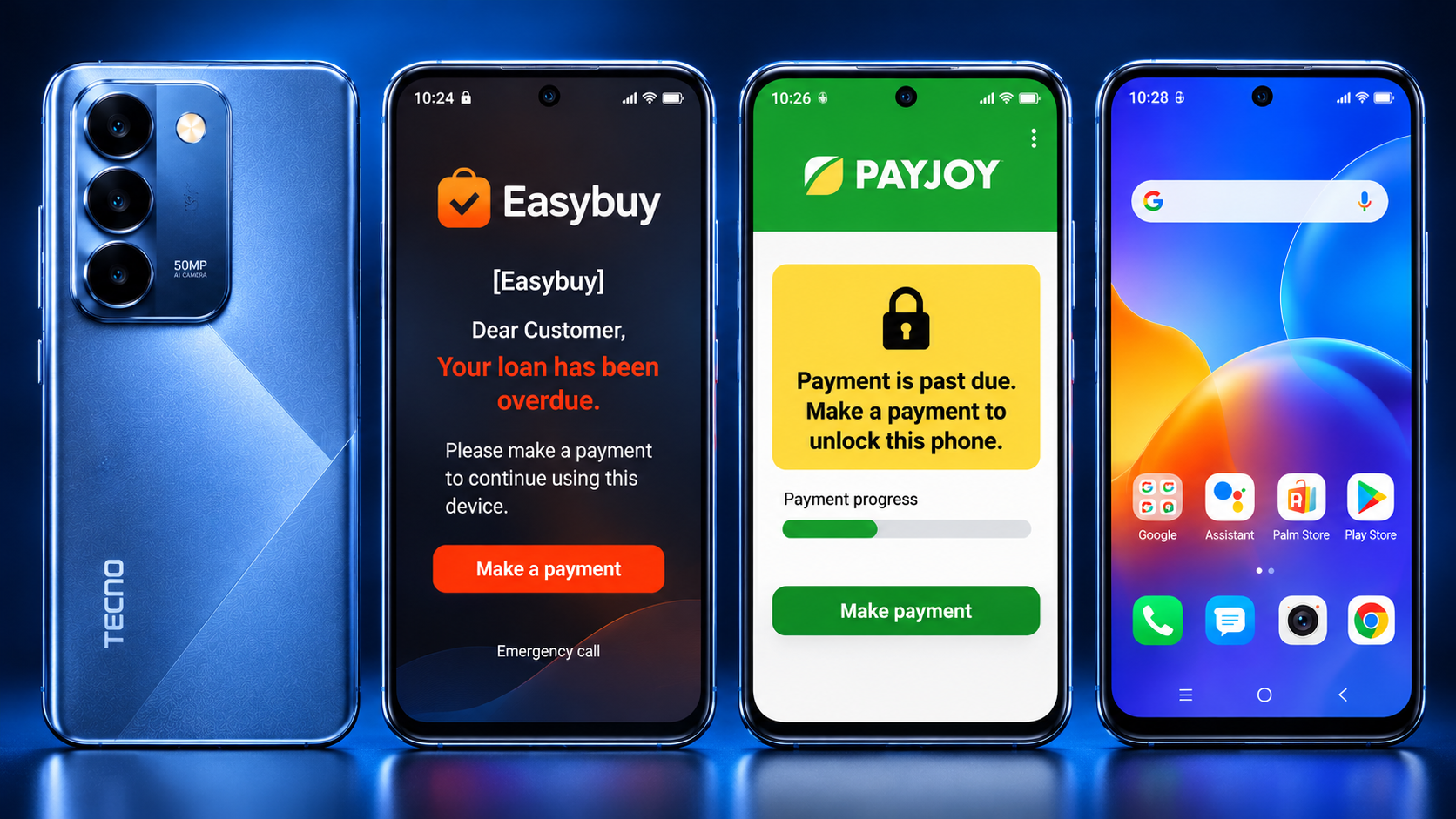
Tecno / infinix / itel [Easy-Buy Pay-joys ] Removal by USB ( Unisoc / Mediatek )
About Tecno / infinix / itel [Easy-Buy Pay-joys ] Removal by USB ( Unisoc / Mediatek )
Tecno / infinix / itel [Easy-Buy Pay-joys ] Removal by USB ( Unisoc / Mediatek )
Supported Worldwide
This service is online from 11:30 to 19:30 (UTC+4)
Download USB Redirector v2.5
Before placing an order, please contact us to check the server status
Instruction:
1. Place your order with your IMEI / Model
2. Launch USB Redirector 2.5 and input:
• ID: 1018 4673 2729
• Additional Information: Enter your IMEI, Serial Number or Model name
3. Replug the USB cable to proceed to Step 2
4. After completing Step 2, contact us with your Order ID and the IMEI, Serial Number or Model name you entered in “Additional Information”
5. Contact our admin to telegram start the process.
Some models may be stuck on Nokia logo after frp unlock, we do not take responsibility if this happens, it is on your own risk.