Créditos Pulsarunlock (USUÁRIOS EXISTENTES - AUTO API)
$0.98 / unit
$0.98
Informações
Prazo de entrega:
Minutos
Tipo de pedido:
Servidor
Tipo de serviço:
Servidor
Enviar para verificação permitido:
Não
Cancelamento permitido:
Não
Processamento de pedido:
API
Descrição do serviço
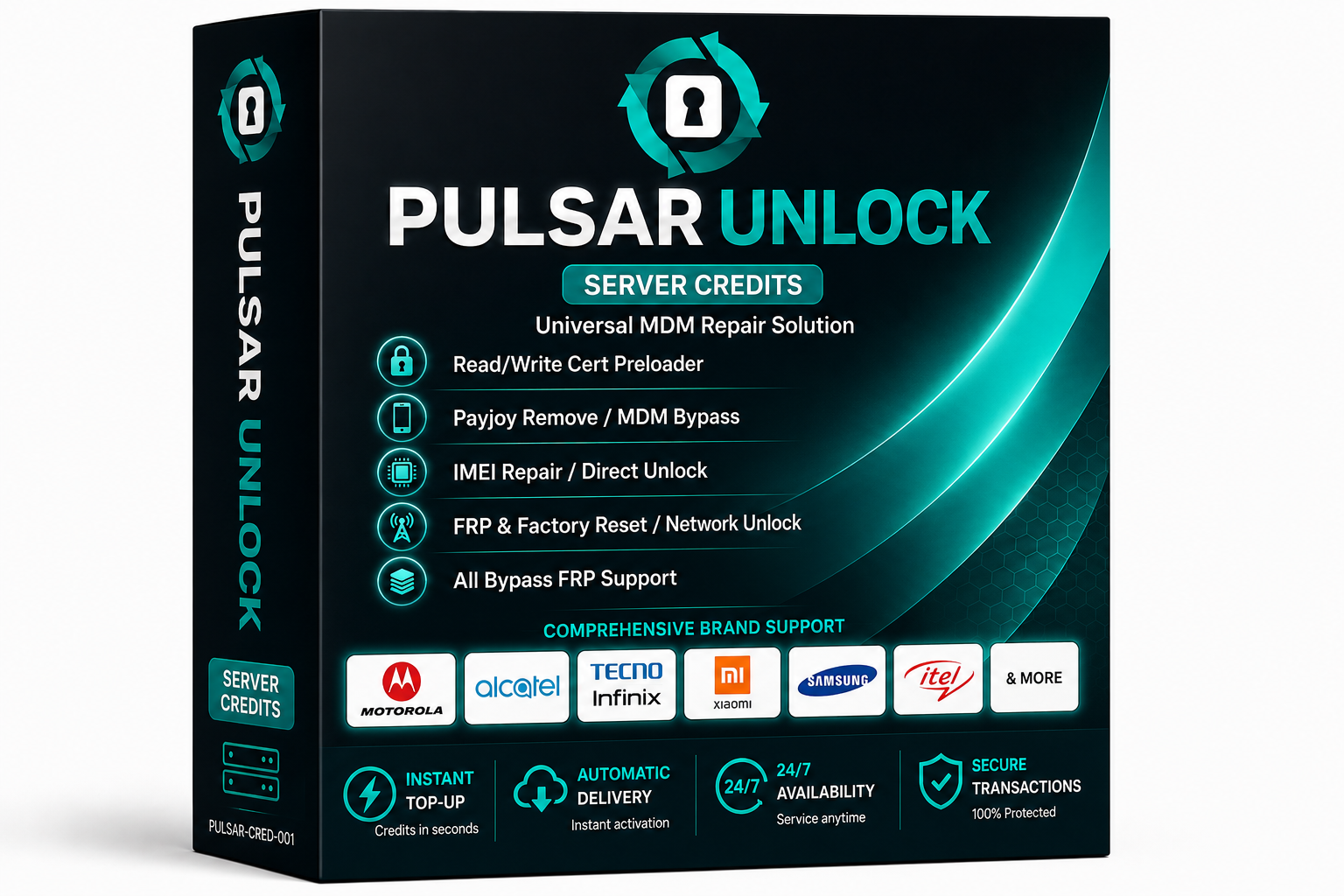 Créditos da ferramenta de desbloqueio Pulsar (PulsarSync) – Créditos instantâneos do servidor
Créditos de servidor profissional para Ferramenta de desbloqueio pulsar entregue instantaneamente via API usando seu PulsarSync Nome de usuário ou Endereço de email.
✔ Atendimento on-line disponível 24 horas por dia, 7 dias por semana
✔ Instant Automatic Delivery
✔ Secure API Processing
✔ Credits Added Directly to Your Pulsar Account
✔ Instant Automatic Delivery
✔ Secure API Processing
✔ Credits Added Directly to Your Pulsar Account
Supported Brands
Samsung, Xiaomi, Redmi, Tecno, Infinix, Itel, Realme, Oppo, Vivo, Motorola, Huawei, Alcatel and many more.
Supported CPU Platforms
• Qualcomm Snapdragon (EDL / Sideload)
• MediaTek MTK (BROM / Preloader)
• Unisoc / Spreadtrum
• MediaTek MTK (BROM / Preloader)
• Unisoc / Spreadtrum
Main Features Supported
• FRP Remove / Factory Reset
• MDM Bypass & PayJoy Remove
• Network Unlock / Direct Unlock
• IMEI Repair
• Bootloader Unlock
• Firmware Flashing & Write
• Read/Write Cert Preloader
• Xiaomi Mi Account Reset
• MDM Bypass & PayJoy Remove
• Network Unlock / Direct Unlock
• IMEI Repair
• Bootloader Unlock
• Firmware Flashing & Write
• Read/Write Cert Preloader
• Xiaomi Mi Account Reset
Automatic System Protection
Invalid usernames, unavailable servers, or unsupported requests are automatically rejected by the system to prevent incorrect processing.
Política de reembolso
Credits are only consumed for successful operations performed inside the Pulsar Tool software.
How To Order & Activate
1. Download and install the latest Pulsar Unlock Tool from the official website:
https://pulsarsync.com
2. Open the software and create an account if you do not already have one.
3. Place your order on our website using your exact Pulsar Nome de usuário ou Endereço de email.
4. Once your order status becomes Sucesso, credits will be automatically added to your account instantly.
5. Log in to the software and start servicing supported devices immediately.
https://pulsarsync.com
2. Open the software and create an account if you do not already have one.
3. Place your order on our website using your exact Pulsar Nome de usuário ou Endereço de email.
4. Once your order status becomes Sucesso, credits will be automatically added to your account instantly.
5. Log in to the software and start servicing supported devices immediately.
Notas importantes
• Always verify the latest supported models and required credit costs on the official PulsarSync release page before ordering.
• Please make sure your Username or Email is entered correctly. Orders processed to an existing account cannot be reversed or refunded.
• Please make sure your Username or Email is entered correctly. Orders processed to an existing account cannot be reversed or refunded.
No Refund Will Be Issued In The Following Cases
Wrong Username or Email Submitted
If you provide an incorrect Username or Email and the credits are successfully delivered to that existing Pulsar account, the order will be considered completed and no refund will be possible.
Tip: If you are unsure about the credit cost for a specific device or operation, always check the software logs or the official PulsarSync website before proceeding.
If you provide an incorrect Username or Email and the credits are successfully delivered to that existing Pulsar account, the order will be considered completed and no refund will be possible.
Tip: If you are unsure about the credit cost for a specific device or operation, always check the software logs or the official PulsarSync website before proceeding.